Tag: Google

  • Google’s Helpful Content Update & Ecommerce

    Google’s Helpful Content Update & Ecommerce

    Google announced this week the upcoming launch of what they have named the Helpful Content Update.

    If you own or manage the SEO for an ecommerce website, you might be wondering how this update could affect you.

    Read on for our helpful content update ecommerce assessment and predictions, as well as some considerations for how to move forward over the next few weeks as the update rolls out.

    Update: the Google Helpful Content Update started rolling out today, the 25th August 2022 – as confirmed by the Google list of search ranking updates.

    First, a little context:

    Why is the Helpful Content Update Needed?

    If you have been working in the SEO community and active on Twitter, you are probably aware of a generation of new social media influencers claiming to have achieved SEO success using spam techniques such as bulk content production with AI writing software, often posted to expired and repurchased authoritative domains.

    Product searches in Google can often lead to low quality affiliate focused content sites with hundreds of links to Amazon; sites with questionable review methodologies and standards.

    Google’s ad-focused business model is supported by its ability to reliably surface high quality spam-free organic search results to users, so Google being dominated by lower quality results that do not provide a satisfactory experience would be a major problem – something Google’s search quality teams will absolutely want to prevent by any means necessary.

    Earlier this year Google launched the fourth iteration of their Product Reviews Update – a set of algorithm updates first launched in April 2021 which are designed to increase search visibility of the most helpful product reviews.

    Google Search is always working to show the most useful and helpful information possible, through testing, experimenting, and review processes. From this, we know people appreciate product reviews that share in-depth research, rather than thin content that simply summarizes a bunch of products.

    The Helpful Content Update can be seen in the context of Google’s ongoing work to improve search results in an era where easy access to AI writing tools has led to content spam reaching levels never seen before on the web.

    What is the Helpful Content Update?

    The Helpful Content Update is an algorithm update from Google designed to improve search results for users by showing higher quality content.

    The update makes use of a machine learning powered classifier process that provides a new site-wide signal which Google can use for ranking web pages.

    The classifier identifies content that may have low value or is unhelpful to users conducting the search.

    According to Google the Helpful Content Update processes run automatically and continuously, able to classify and apply the signal to new websites and content.

    How will the Helpful Content Update affect Ecommerce SEO?

    This ranking update will help make sure that unoriginal, low quality content doesn’t rank highly in Search, and our testing has found it will especially improve results related to online education, as well as arts and entertainment, shopping and tech-related content.

    More content by people, for people in Search

    As per Google’s blogpost – quoted above with emphasis added, ecommerce is one area where the search giant has tested the Helpful Content Update and found that it was beneficial to search experience for users.

    Content quality at scale has always been a problem for ecommerce SEO.

    Lots of products and product variations, short and non-existent product descriptions, and multiple sites reusing manufacturer product descriptions have been just some of the issues that have given ecommerce SEO consultants headaches.

    Equally this update could be an opportunity for brands that have invested heavily in high quality and helpful site content to reap the rewards of their previous hard work and investments.

    Only time will tell at this stage, as we are still only guessing at how significant the impact of the update may actually be.

    What should I do next? How can we check if our content is helpful enough?

    Assess & monitor impact

    As the update rolls out starting the week beginning the 22nd August, it would be sensible to assess and monitor the impact of the update on your ecommerce store.

    Have products, categories, or any other types of content been impacted?

    What systems are available to make a reliable assessment?

    Content auditing process

    A content auditing process could be a sensible move for brands that want to check existing content on the site.

    Google have provided a list of questions you can ask to make an initial assessment.

    External auditing and user satisfaction testing could plug the gaps if you lack the resources internally.

    Content production guidelines & training

    If the Helpful Content Update hits your ecommerce store’s SEO significantly, or you feel like this could be a good opportunity to improve the quality of your content moving forward – activities like producing a set of content production guidelines and training writers may yield results.

    2022 and 2023 Additional Helpful Content Updates

    Google have so far released two additional Helpful Content Updates.

    In December 2022 Google released an updated classifier for the Helpful Content Update.

    Then in September 2023 Google announced another iteration of the Helpful Content Update, which started on the 14th, and finished rolling out around the 28th of September.


  • Full Content RSS feeds no longer needed for Google News

    Full Content RSS feeds no longer needed for Google News

    Last year Google announced they were making changes to how they display and render articles, and as part of this they would no longer be using full RSS feed content to populate articles on Google News.

    We recently expanded the frequency that we link to non-AMP web content (i.e. your web pages) across several surfaces, including the Google News app, as part of the page experience update. As a result of this change, we will no longer directly render article text provided in RSS and Atom feeds in the Google News app.

    Simplifying content management in Google News

    However there was no update made to any of the documentation with regards to whether or not Google News publishers still needed to submit full RSS feeds in Publisher Center.

    In fact, the documentation still explicitly states that for an RSS feed to meet Google News specifications, it must contain the full article contents and associated media.

    For readers to fully engage with your content, provide full articles and media assets. Set up your feed properly to prevent errors, failed approvals or removals.

    Google News Technical feed requirements

    As part of my consultancy work for a news client we reached out to our Google contact, and after some time received confirmation back from Google News that no, full RSS feeds are no longer needed.

    Google confirmed that having entire articles (HTML, images and all) inside RSS feeds is no longer required since web-pages have started to be shown in Google News, however they also directed us to the requirements in the ‘Article content and markup’ section of docs found here.

    This section states that although Google News no longer displays content from full feeds, other Google products such as Google Assistant’s text-to-speech News service may still do so.

    But let’s stop for a second. Before anyone goes out and without doing any research switches to standard partial feeds – it is vitally important to note the second half of the statement, and to bear in mind that just because Google News don’t need the full-fat RSS feed with the entire article’s content and HTML, it doesn’t mean it is sensible to simply switch to a partial RSS feed.

    There are still numerous essential elements that would be missing if a publisher switched to using just a normal partial RSS feed, such as you would find in WordPress.

  • Google Launch Retail Search Service for Ecommerce

    Google Launch Retail Search Service for Ecommerce

    A user-friendly and efficient onsite search process is vital for ecommerce platforms. Users that are unable to quickly and easily find the product they are looking for may abandon their search.

    Most ecommerce platforms have their own built-in search capabilities, however more companies are starting to invest heavily in their product search experience – whether by improving existing technology stacks or utilising third-party ecommerce discovery platforms and Search-as-a-Service.

    Google search study stats
    Google Cloud for Retail: Why search abandonment is the metric that matters (source)

    Retail Search

    With the mission of helping shoppers find more relevant results in onsite search and mobile apps, Google have this month announced a retail discovery service for ecommerce platforms called Retail Search, which is integrated with and offered by Google Cloud Platform.

    The new services are designed to enable retailers to provide Google-quality search results to potential customers, increasing conversions and reduce search abandonment.

    Google Retail Search banner

    According to the Google Cloud product page for Retail Search, the benefits of using Google’s discovery solutions include (emphasis added):

    • Reduce search abandonment by leveraging Google-quality search capabilities
    • Enhance shopping experience by making it easier to search for products with an image
    • Improve conversion and order value by personalizing the shopping experience

    Retail Search is the newest feature in Google Cloud’s Product Discovery Solutions, a suite of solutions aimed at improving retail operational efficiency, streamlining digital shopping experiences, and addressing changing customer preferences.

    Search Intent

    Standard onsite ecommerce search engines often use simple keyword based search and ranking algorithms, potentially resulting in long lists of similar products, or even just variations of the same product.

    Assessing complex and long-tail queries can be complicated – a problem that Google have a lot of expertise at solving.

    One of the key components of Retail Search is the ability to assess and provide customised results based on user intent, making use of technologies such as machine learning and AI.

    When a user initially hits the site and no information is known about them, this is known as a ‘cold start’.

    As users interact with an ecommerce site or app a personalisation profile can be built via the Retail API which allows Google to provide more relevant customised results based on user intent.

    Using Google’s Recommendations AI retailers can train and tune machine learning models to provide intelligent product suggestions to customers.

    Each recommendation served in real-time time, based on a user’s behaviour like views, clicks and searches.

    Image search

    Consumers expectations for what a top-level ecommerce platform’s onsite search capabilities should be are increasing.

    Ikea image search
    Ikea image search

    Both for users with mobile phones – potentially out shopping or browsing a magazine; and for desktop users at a computer or laptop: image search functionality can be a useful tool to quickly find a particular product.

    Vision Product Search from Google Cloud Platform uses machine learning powered object recognition to allow ecommerce sites and apps to provide product recommendations of similar and complimentary items.

    Retail API

    Both Recommendations AI and Retail Search use the Retail API.

    According to Google it usually takes a number of weeks to implement the Retail API, depending on the amount of data to be ingested.

    Retail Search is presently accessible as a private release to Google Cloud clients, which means you must contact a Google Cloud representative to learn more and enable the service.

  • Google Jobs Guidelines Updated and Direct Apply Property Added

    Google Jobs Guidelines Updated and Direct Apply Property Added

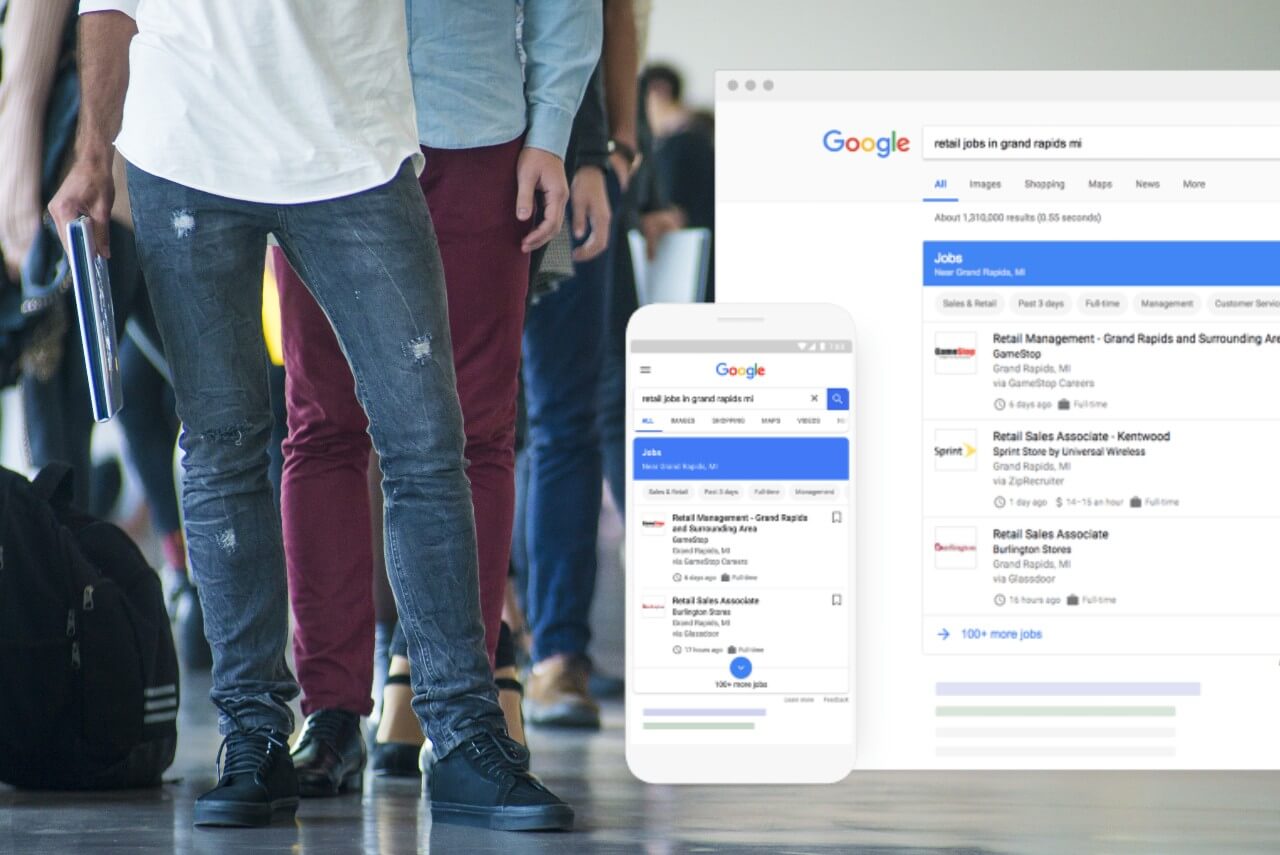
    It is been a busy week for those with an interest in recruitment SEO – Google have announced two significant new updates to their AI powered job service Google Jobs.

    On Tuesday in a Search Central blogpost Google released details on a new technical feature allowing recruitment sites to indicate if they allow direct applications, and also provided information on additional new editorial guidelines for job sites.

    Editorial Content Policy

    Google are launching a new editorial content policy for Google Jobs, scheduled to be implemented in October this year.

    The upcoming policy will include requirements such as:

    • Obstructive text and images
    • Excessive and distractive ads
    • Content that doesn’t add any value to the job listing
    • Follow basic grammar rules
    • Avoid unnecessary capitalisation

    Direct Apply – New ‘directApply’ property for job listings

    The new directApply property is an optional feature allowing recruitment sites to specify to Google that users can apply directly on the applicable page.

    The aim is to make it clearer to users whether they can actually apply directly on a site or not, avoiding the dreaded double application process that many sites currently use – whereby a user would fill in their details once whilst applying – only to be asked to be forwarded to another location and asked to fill in the very same details again on the next site.

    What is a direct apply experience?

    A direct apply application process should be ‘short and simple‘ without any ‘unnecessary intermediate steps‘.

    This includes any repeated action such as having to sign or log in more than once which would indicate that a website does not offer a direct apply experience.

    Google have created an illustration that attempts to illustrate this process and show the shorter, faster, and ultimately more preferable route for job applicants.

    New directApply property - A short direct apply experience, vs an extended non-direct apply application process

    Above – a short direct apply experience, vs an extended non-direct apply application process.

    If the user has to click apply, complete an application form, sign in or log in more than once in the application journey, it means that you aren’t offering a direct apply experience.

    Google Developer docs

    How to improve trust

    Google also listed some issues based on research they have conducted that job sites should attempt to avoid in order to improve candidate trust. The expanded list is in the blog post but I have summarised it below:

    • Verify that there are no scammy or spammy job posts on your site
    • Ensure a good user experience
    • Remove expired job posts
    • Make sure that the job’s posting date is genuine
    • Don’t include wrong or misleading information in the job post or the markup

    Hat tip to Search Engine Roundtable.

    Find out more about recruitment SEO here, or check out our guide to Google Jobs.

  • Does Google Index Text Content in CSS Pseudo Elements?

    Does Google Index Text Content in CSS Pseudo Elements?

    Traditionally when Google (or other search engines) look for text-based content to index – they expect to find this content directly in the HTML of the webpage that is served to them.

    This changed somewhat with the rise of sites using JavaScript to serve anywhere from small pieces of content to entire websites.

    Google was forced then to invest resources attempting to render and index JavaScript based content as effectively as possible.

    CSS Pseudo Elements

    But what about text content that is sourced purely from CSS? It is possible to add content to a page using CSS pseudo elements such as ::before and ::after combined with the CSS content property.

    See a simple example below:

    <p>99 bottles of beer on the wall, 99 bottles of beer.</p>
    p::after {content:' Take one down and pass it around,
    98 bottles of beer on the wall.'}

    Will display as:

    99 bottles of beer on the wall, 99 bottles of beer. Take one down and pass it around, 98 bottles of beer on the wall.

    Year after year as CSS gets more advanced and other features are introduced, such as the ability to do mathematical calculations or count elements using only CSS, the likelihood of devs and designers adopting these features becomes higher.

    But will Google be able to render and index this content? Will the text found in the CSS appear and be searchable in Google?

    Is using CSS for text best practice?

    Before we start it is important to note that in the large majority of situations using CSS pseudo elements and the ‘content’ property (instead of HTML) to display any significant amount of text based content on a website is absolutely not best practice for various reasons, including:

    1. The text is not selectable by users, meaning it can’t be highlighted or copied/pasted
    2. The text will be ignored by screen readers – making the content inaccessible and against accessibility guidelines.

    F87: Failure of Success Criterion 1.3.1 due to inserting non-decorative content by using :before and :after pseudo-elements and the ‘content’ property in CSS

    W3.org

    CSS pseudo elements should generally speaking only be used for decorative elements that are non-essential to the consumption of the content on the page.

    SEO Poll

    Until the production of this article – I was not able to find any other SEO-focused articles on this topic, so I thought it could be interesting to dig in and so some research.

    I asked the SEO community what they thought in a Twitter poll, with the following results:

    Taking out users that just wanted to see the results, there is a fairly even split between the three choices with ‘No’ and ‘I don’t know’ getting an equal number of votes (12), and ‘Yes’ trailing behind by just a few votes (9).

    Test

    To test I created a page that contained zero standard HTML based content and added text content using CSS pseudo elements attached to heading, paragraph, div and link tags – sourced from an external file CSS file.

    You can also view the code and resulting page on CodePen here.

    To give the URL a little boost to help it get indexed more quickly (or indeed at all) I linked to it temporarily from the footer of the site.

    Rendering

    To test I also ran the page through the Fetch tool in Search Console and the Mobile Friendly testing tool.

    Both showed that Google were able to fully render the CSS content as it appeared to normal users on the page.

    Results

    Eventually (slightly to my surprise) the page did get indexed in Google despite the complete lack of content.

    However checking the resulting listing in Google, and after searching for strings of text from the page – it became clear that no actual content had been indexed.

    So we can confirm from this test that: NO – although Google can render it, CSS based content will not currently be indexed in Google.

    If you include text content on your site using CSS pseudo elements and the CSS ‘content’ property it is currently not possible for Google to index the text content.

    Update (14/7/2021)

    The fantastic Jess Peck alerted me to a previous test she conducted on the same subject you can view here, and another post/experiment from Mathias Bynens that doesn’t use any HTML at all.

  • Mobilegeddon 2.0: Google to Boost Mobile-Friendly Site Rankings Again in May

    Mobilegeddon 2.0: Google to Boost Mobile-Friendly Site Rankings Again in May

    Google have announced they will be giving a further boost to mobile-friendly websites in May.

    (more…)

  • How To Display WebP Images with a JPG/PNG Fallback & Automated Solutions for WordPress

    How To Display WebP Images with a JPG/PNG Fallback & Automated Solutions for WordPress

    A quick guide on WebP, why you would want to use it, and how to quickly implement WebP on your website using the <picture> element (or an automated solution for WordPress).

    (more…)
  • Will Google Changing to Alphabet Affect SEO or Digital Marketing?

    Will Google Changing to Alphabet Affect SEO or Digital Marketing?

    Will the shock news from the start of this week that Google is partially re-branding itself as Alphabet have an impact on SEO, PPC or any other part of the digital marketing industry? Read on for our predictions and expert opinion.

    (more…)
  • Right To Be Forgotten: Google Asks For Feedback

    Right To Be Forgotten: Google Asks For Feedback

    Google has asked for feedback from the public on the EU Court of Justice ruling that there exists a right to be forgotten, and that the search engine should comply with reasonable requests for this in their search results.

    (more…)
  • Google Launches London Based $100m Start-up Fund

    Google Launches London Based $100m Start-up Fund

    Google has this week launched a new $100m (£58m) venture fund, headquartered near London’s Silicon Roundabout area.

    (more…)

  • Business Owner in US Takes Google To Court For Google Maps Listing Error

    Business Owner in US Takes Google To Court For Google Maps Listing Error

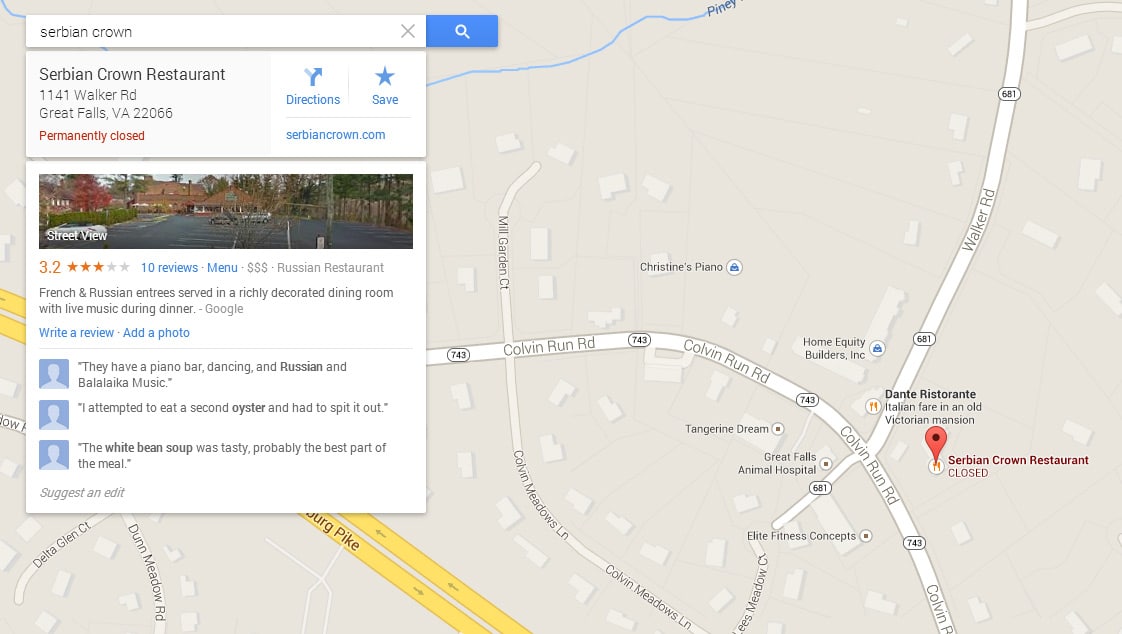
    The owner of a Washington DC restaurant is reportedly taking Google to court over Google Maps listing errors that apparently caused him to lose business.

    (more…)

  • William John Swainson Google Doodle (+ Hummingbird), 8th October 2013

    William John Swainson Google Doodle (+ Hummingbird), 8th October 2013

    Google have celebrated the birthday of William John Swainson, an English ornithologist born on the 8th October 1789.

    (more…)